How to Connect the IASUS BMT Throat Mic to Your Insta360 GO Ultra
The Insta360 GO Ultra is designed for environments where most cameras cannot operate at speed, at altitude, in the middle of action that does not pause for setup. It captures everything visually. Audio in those same conditions is a different challenge.
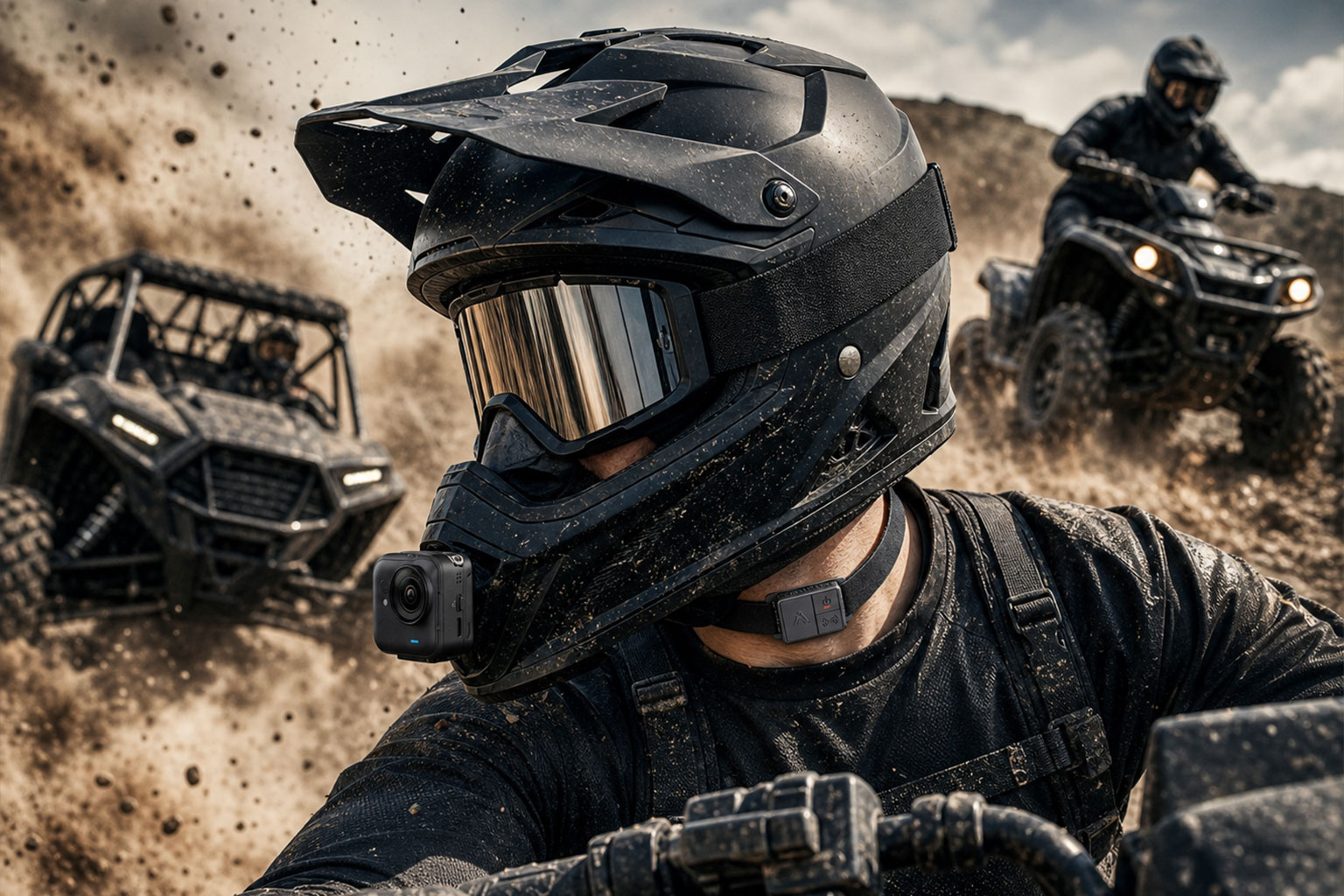
Standard microphones work well across a wide range of shooting scenarios. Where they reach their limits is in high-wind and high-noise environments: sustained speed on a motorcycle, rushing air at paragliding altitude, the acoustic chaos of a mountain descent. In those conditions, a throat mic is a different category of solution, not because standard mics are inadequate in general, but because contact-based audio was specifically built for these extremes.
The IASUS BMT pairs directly with the Insta360 GO Ultra via Bluetooth, with no adapter or additional hardware required.
What You Need
- IASUS BMT Throat Mic (standard or Full Kit)
- Insta360 GO Ultra (2025 model)
- Both devices charged
Compatibility note: Direct Bluetooth pairing applies to the Insta360 GO Ultra and X5 (2025 models). Older cameras including the X4, X3, and Ace Pro series require the official Mic Adapter.
Step-by-Step Setup
Step 1: Charge Both Devices
The BMT charges via USB-C and delivers around nine to ten hours of battery life per charge. Make sure both devices are topped up before heading out.
Step 2: Position the BMT
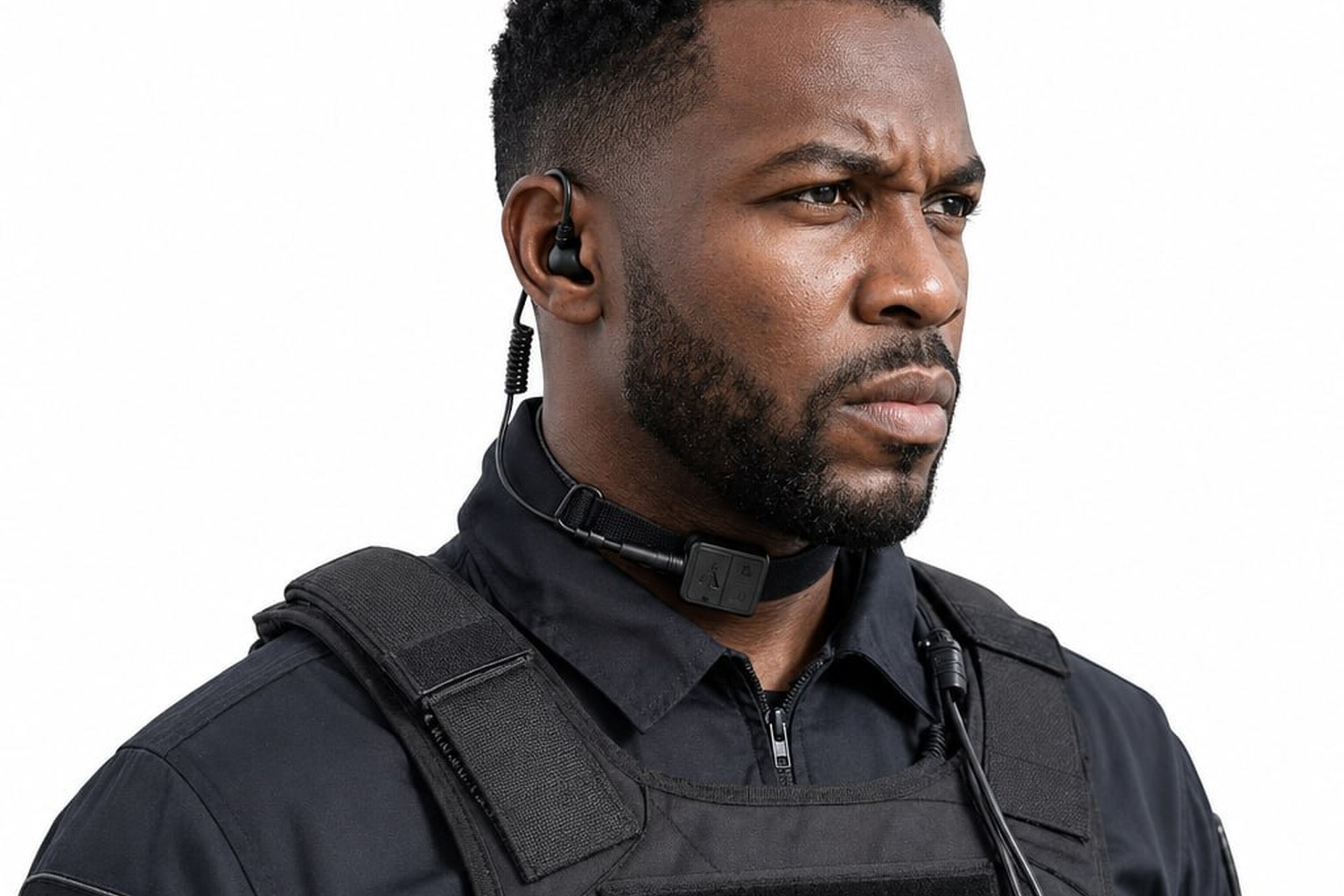
Wrap the BMT strap around your throat and slide the mic module to the left side of your neck, roughly two inches from center. Do not place the module directly over the Adam’s apple — this causes audio distortion as it picks up too much larynx resonance. Light, consistent skin contact on the side of the throat gives you the clearest signal. The strap does not need to be tight.
Step 3: Power On and Enter Pairing Mode
Hold the multifunction button on the BMT until the LED begins flashing. The device is now in discovery mode.
Step 4: Open Bluetooth on the GO Ultra
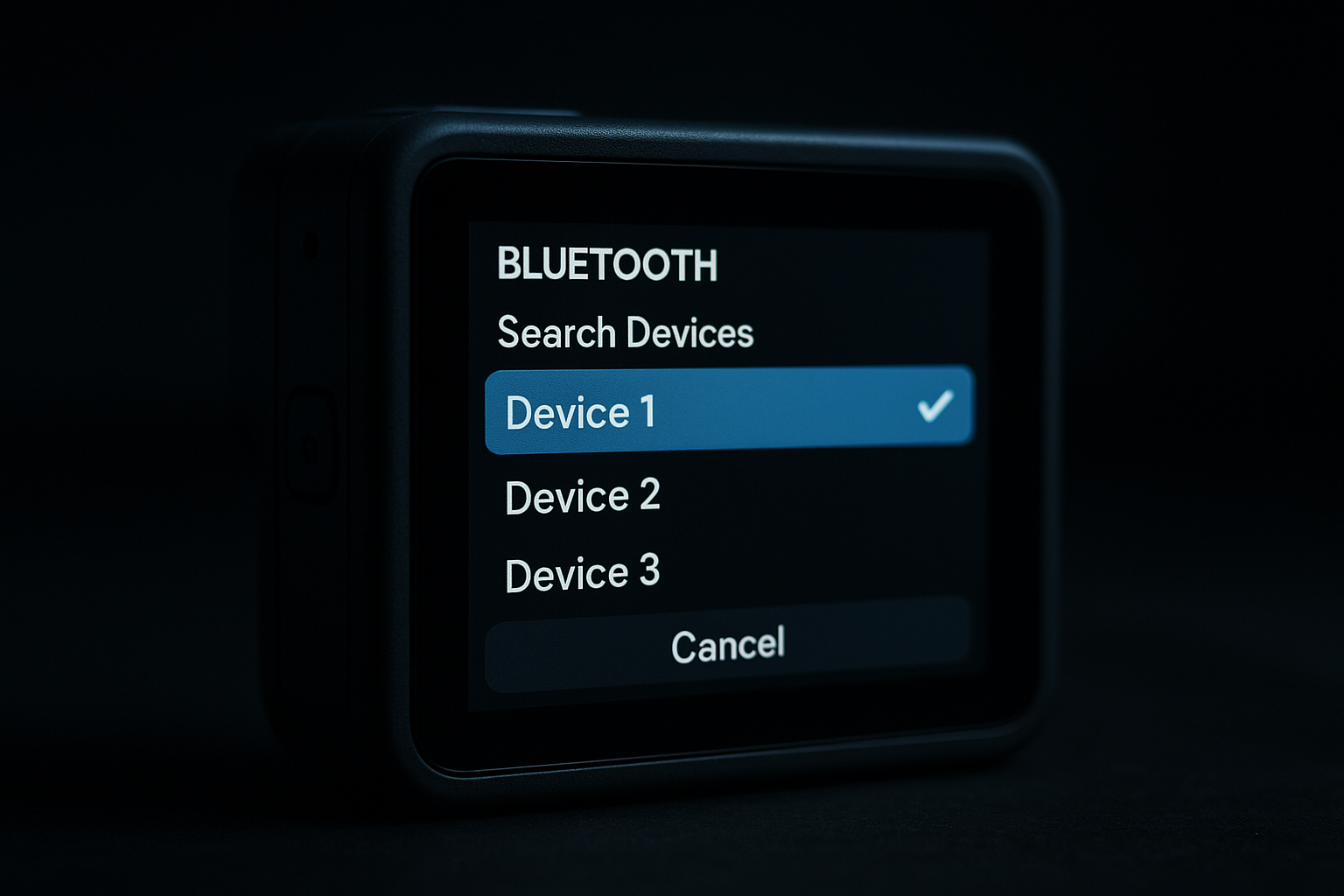
Swipe down from the top of the GO Ultra touchscreen to open the Shortcut menu. Tap the Bluetooth icon. The camera begins scanning for nearby devices.
Step 5: Connect
Select the IASUS BMT from the device list. The GO Ultra confirms the connection on screen.
Step 6: Check Audio Input and Adjust Gain
The GO Ultra routes audio from the BMT automatically once paired. Do a short test recording and play it back before heading out. Adjust External Mic Gain in Settings if needed.
Placement for Different Use Cases
Motovlogging
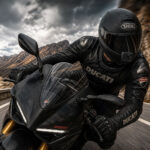
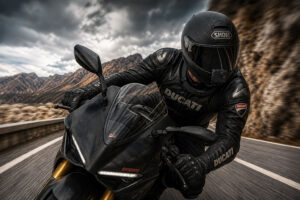
Slide the module to the right side of your neck before pulling on your helmet. Position the strap beneath the chin strap or inside your jacket collar. At any speed, your voice comes through clearly.
Paragliding and Skydiving
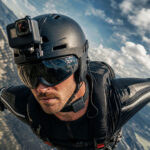
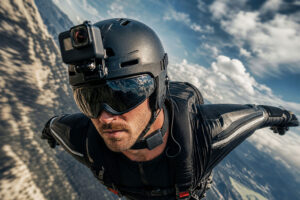
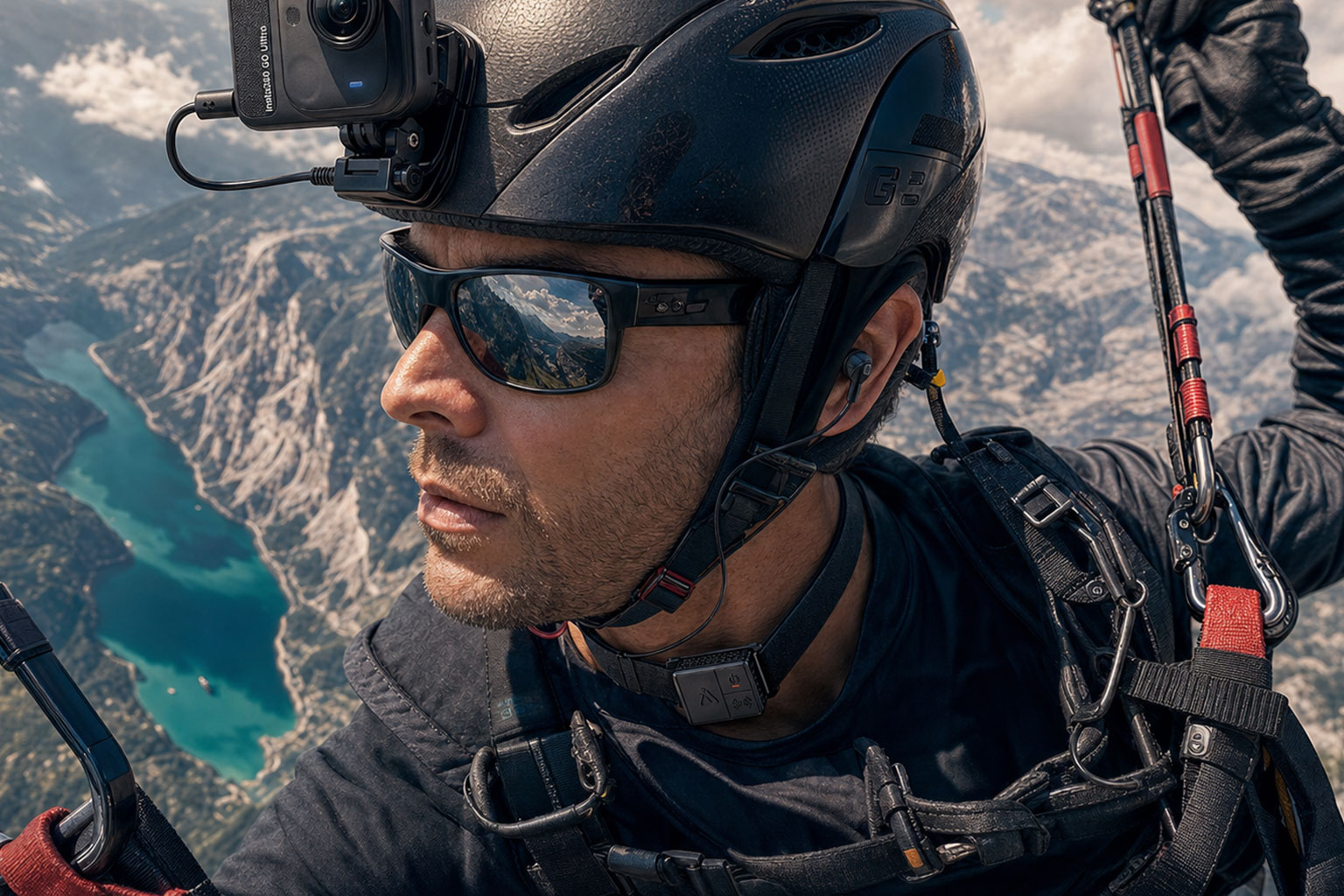
Wear the BMT under your flight suit collar or beneath your helmet harness, module to the left side. At altitude, rushing air makes conventional mics largely ineffective. The BMT picks up your voice directly from your throat regardless.
Mountain Biking and Trail Riding
Right-side placement works well on the bike. The strap stays put through rough terrain and the contact pickup keeps your voice isolated from brake noise and trail chatter.
Skiing and Snowboarding
Cold weather does not affect the BMT. Wear it beneath a balaclava or neck gaiter, module to the left side.
Audio Quality: What to Expect
Throat mic audio is warm and direct — present and close, without competing with ambient sound. Listeners notice clean audio immediately, and they notice when wind noise makes a creator hard to understand. The BMT solves that at the source.
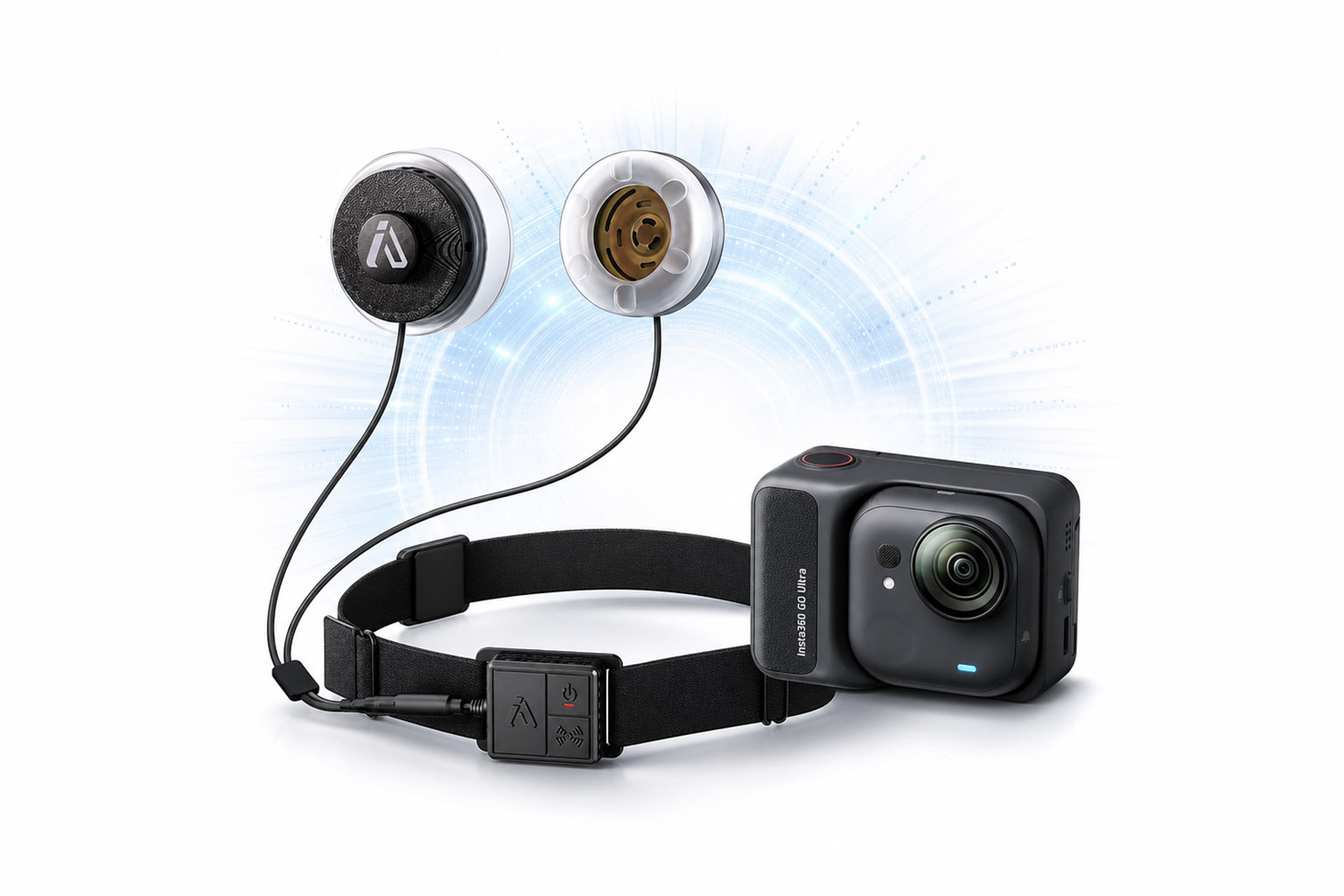
Two Ways to Get the BMT
IASUS BMT — the standalone throat mic module. Bluetooth pairing, wireless, works directly with the GO Ultra.
IASUS BMT Full Kit — includes the BMT module plus additional accessories for extended setups, including wired options for older cameras via the Mic Adapter.
FAQ – IASUS BMT Throat Mic & Insta360 GO Ultra Setup
Is the IASUS BMT compatible with the Insta360 GO Ultra?
Yes. The Insta360 GO Ultra supports open Bluetooth pairing, which allows it to connect directly to compatible Bluetooth audio devices like the IASUS BMT. No adapter is required for wireless use in this setup.
Do I need the Action Pod to use the BMT with the GO Ultra?
No, for Bluetooth audio you do not need the Action Pod.
However, if you are using wired USB-C microphone setups, the Action Pod is required. The BMT does not require this because it connects wirelessly via Bluetooth.
Does the BMT work while the GO Ultra is mounted on a helmet?
Yes. This is one of the main use cases.
The BMT is designed for riders, so it can remain connected to the GO Ultra while the camera is helmet-mounted. This makes it ideal for motovlogging, riding footage, and hands-free narration.
Will wind noise affect the BMT audio?
The BMT is designed specifically for high-noise environments. Because it uses a throat microphone system (instead of a traditional air-capturing mic), it significantly reduces wind noise and engine noise compared to standard microphones.
Can I use the BMT for both recording and communication?
Yes. The BMT is a full Bluetooth communication device.
It can be used for:
- Voice recording with Insta360 cameras
- Phone calls
- Navigation audio
- Group communication apps (depending on device setup)
Is setup difficult for first-time users?
No. Setup is straightforward:
- Power on the BMT
- Enable Bluetooth pairing on the GO Ultra
- Select IASUS BMT from the camera’s Bluetooth device list
- Confirm connection and test audio
Once paired, the device reconnects automatically for future use.
Why does my audio sound different with a throat mic?
This is normal.
Unlike traditional microphones that capture sound waves in the air, the BMT captures vibration from your throat. This reduces environmental noise but produces a slightly different voice tone compared to boom or lavalier microphones.
Can I switch between multiple microphones with the GO Ultra?
Yes, but only one Bluetooth audio source can be active at a time. You can disconnect and reconnect devices through the camera’s Bluetooth settings.
Does the BMT work in extreme wind or high-speed riding?
Yes. The BMT is specifically engineered for high-wind and high-noise environments where traditional microphones typically fail or become unclear.